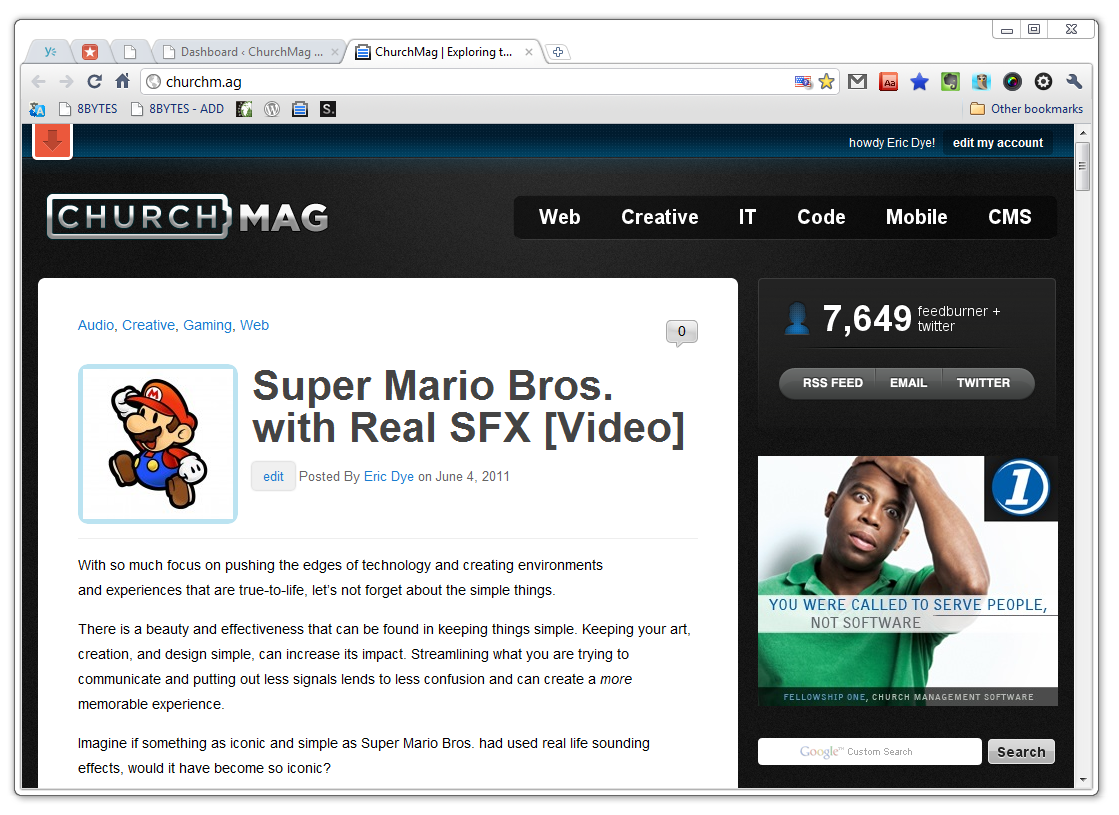

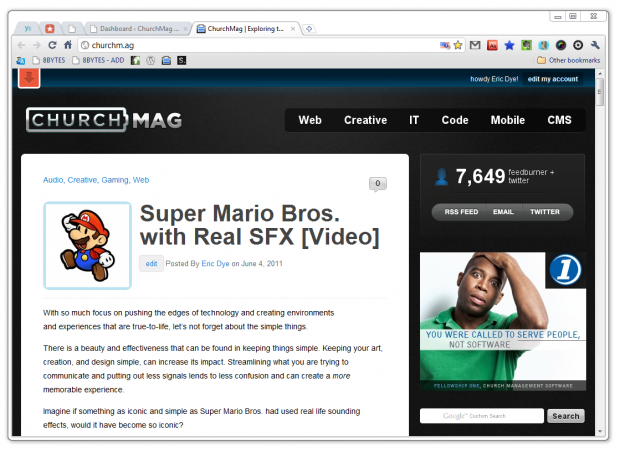
This past week, we talked about how wonderful Wunderlist is.
In the comments section, I mentioned how I wish Wunderlist would auto-start on boot-up. Brian Alexander recommended that I:
Make it a pinned tab in Chrome. Have your tabs load from previous session when you close Chrome. Done!
What? A “pinned tab”? What the heck is that?
Like the tech savvy person that I am, I gave up on figuring out “pinned” tabs after about 40-seconds of no success.
Shame. On. Me.
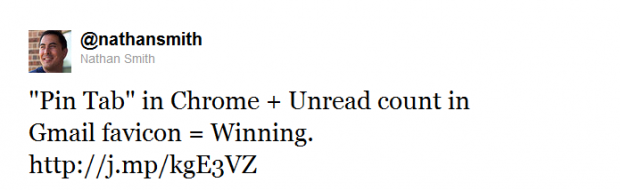
Yesterday, Nathan Smith tweeted:
At this point, I had heard enough.
This time I didn’t give up, but only because I was able to figure it out in under 40-seconds.
I right-clicked the tab, and I pinned my first tab! Now, I was winning.
So, I jumped on the Google Chrome Web Store and picked-up Wunderlist (and few favorites of mine), fired-them up, and pinned them. There are a few other tabs I like to keep open all the time, so I pinned those, too!
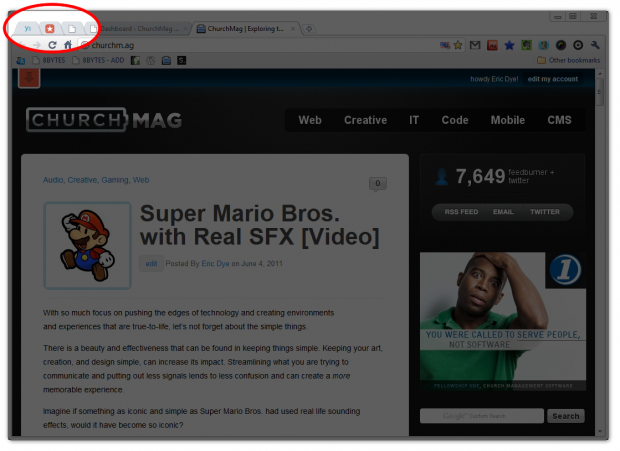
Pinned tabs are Winning!
You can’t close them, they use less tab space, and they’re always ready.
I just combined the Gmail Google Labs favicon option, and I am really impressed with how slick this is.
So, if you’re a Chrome user, play around with the “Pin tab” option. It works with both regular web pages, along with all of the Chrome apps.
Happy pinning!

Eric Dye
Support Lead at Valet, and Proprietor of DYECASTING. Human by day, gamer at night, lover of coffee, and all things spicy.








Eric, thanks for featuring me this post. I use pinned tabs daily, and especially Wunderlist.
You are awesome.
Thanks for your ProTip!
that is cool.
Thanks for sharing
🙂
Pinned tabs are awesome! Did you know that Firefox 4 also supports pinned tabs? The only issue is that if you have a lot of them open, Firefox becomes a memory-guzzling monster. I once had a Firefox-process using a GIG of RAM! Sheesh.
I think I’ll try Chrome and see if it has better memory management, but if it doesn’t, they need to figure something out.
This is great! Thanks for lettings us know that FF does it, too! (Where have I been?)
Ha, well actually, I didn’t even know Firefox came out with a version 4 until a few weeks late. #sad
Either way though, Chrome has an excellent advantage over Firefox in that it comes with hardware acceleration, and Firefox doesn’t. With that in mind, it might manage memory better.
Have you had any issues with Chrome hogging memory when you have six or seven tabs pinned?
I haven’t (that I’ve noticed). Then again, I’m running a decent amount of RAM. It looks like Chrome runs each tab individually, instead of clumped together. So, it may depend on what app or tab you’re pinning. Give it a go, monitor your resources if you have hiccups.
In fact, if you keep notes and grab screens, that would make a great guest post for us! 🙂
Sounds like a plan 🙂
eric [at] churchm.ag when you’ve got it together.
Cool. Jut so you know it might be a week or two cause I got little time in my life right now 😉 But I’ll let you know!
Cool. You’re awesome.
I love pinned tabs. First thing I do in the morning is create a pin tabbed for gmail, google calendar, basecamp, and pandora. Once those are open, I’m ready to work!
If you look under your Chrome options, and select “Reopen the pages that were open last”, your pinned tabs will automatically load every time you open Chrome.
I use this feature all the time for my Google inbox, calendar and apps. I keep three separate Google inboxes open at all times. Google now allows you to log in to multiple accounts (3 total) per browser session.
As do I! I use two Google accounts, not as fancy as you I guess. Loving the pinned tabs. FTW!
1. Work
2. Blog/Freelance
3. Personal
It’s my lame attempt to keep work and personal life separate. 😉
That’s what I do. I tried having it all in one. Complete FAIL.
This is awesome! I just pinned a few tabs. Thanks for sharing this.
Awesome!