Just as I finished up putting together a new design for my personal website, I find this mess of awesome free responsive HTML5 CSS3 templates!
Take a look at these:

Just as I finished up putting together a new design for my personal website, I find this mess of awesome free responsive HTML5 CSS3 templates!
Take a look at these:
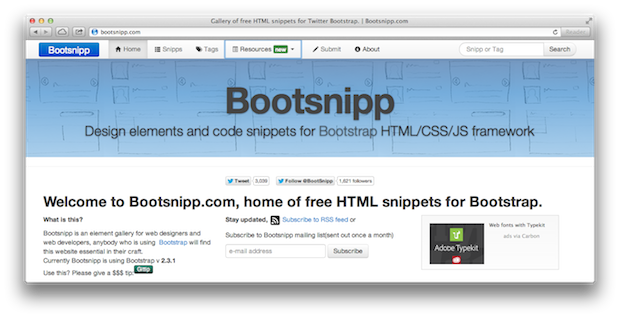
Mmmm. Another Bootstrap resource for your coding and designing pleasure.
Bootsnipp, as it’s called, is full of design elements and code snippets specially made for the Bootstrap HTML/CSS/JS framework. There are currently almost 70 up for grabs.
Here’s a closer look:
Having recently relaunched a podcast on a project I am working on, the idea of adding deep links is something I hadn’t thought much about–until now.
Web development is funny like that. Sometimes you find a tool like this and then you get the idea, oppose to having an idea and needing to find the tool.
I have not tried to use it, yet, but I’m really thinking about it. This could be really interesting to use for sermon audio, too. Check it out:
The ideas behind the Open Source Software (OSS), and more recently Free License Open Source Software (FLOSS) movements has always been about providing great tools at little to no cost. However, in recent years open source technology has become increasingly complex. In my opinion, that means the real return on investment comes in learning these tools. That’s where Learnable comes in. Continue Reading…
I’m not much for what I like to call, “flash and trash” and web design is no exception.
That’s why I surprised myself when I dug this cool slideshow. In fact, it really doesn’t slide, but flips. The 3D effect on this is cool without being code heavy and uses CSS transitions and Javascript for fallback.
Me likey.
Check your HTML code with this handy online tool.
You can drop-in your code and have it sniffed-out or use the handy bookmarklet with the choice of using WCAG 2.0 Level AA, WCAG 2.0 Level AA and WCAG 2.0 Level A.
However, it’s not for the faint of heart.
Sometimes you see something that’s close to right, but just needs a little tweak. In that case, you could call in your web designer, or you can take a look and see what would happen if you did a tweak yourself.
I’m not advocating that the pastor get arms and elbows into the code of the church website. I just know that sometimes churches hire a designer to create the site and then need to change something minor after the designer has been paid and moved onto a new job. At this point, someone local is usually tasked with keeping the website up-to-date. Let’s say that’s you. Let’s say you know a little about CSS and HTML, but you wouldn’t dare try to make a living at it. Still, you’re the most qualified person at your church, so you get the job.
Here’s another great browser based tool for quick prototyping and designing of websites.
Best of all, it works with Bootstrap!
Login, drag-and-drop, export, and you’ve got yourself a responsive HTML and CSS mockup.
Very cool.
If you need a calendar for your website (be it a Church, club, business or a personal site) chances are you’ll head on over and use Google Calendar. But let’s be honest, when you embed a Google Calendar in a site, it’s not exactly pretty…
However, I’ve recently discovered a nifty little script that can turn your Google Calendar embed into a thing of beauty!