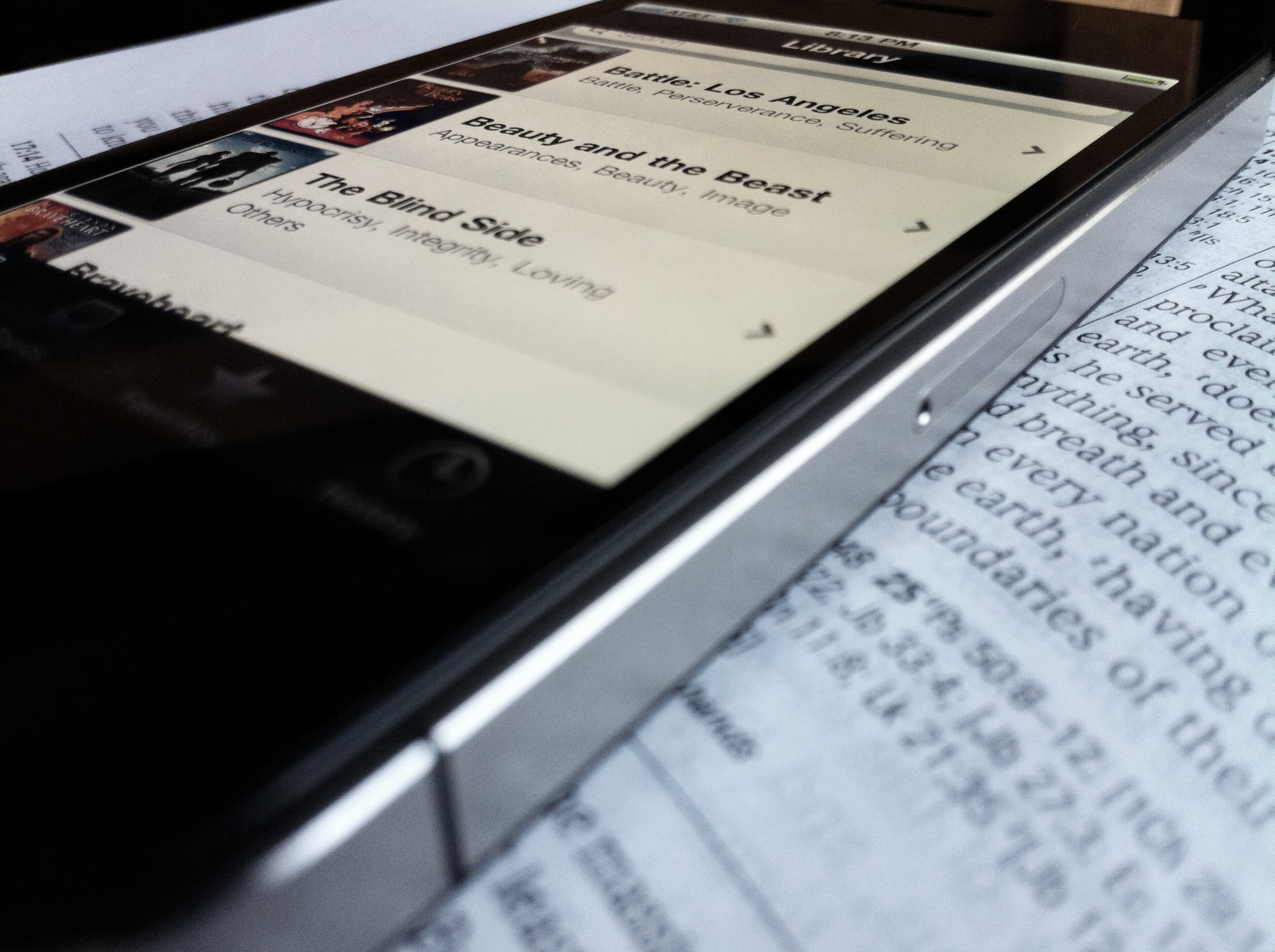

It’s true.
If Jesus Had an iPhone, He Would Use “Clips.”
Clips is out of beta and ready for purchase!
Clips
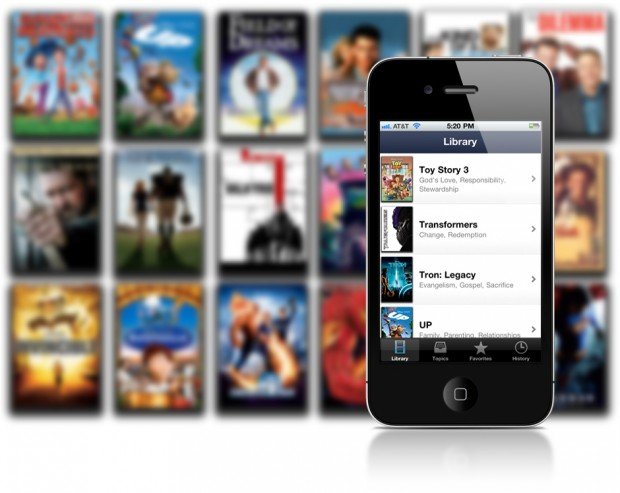
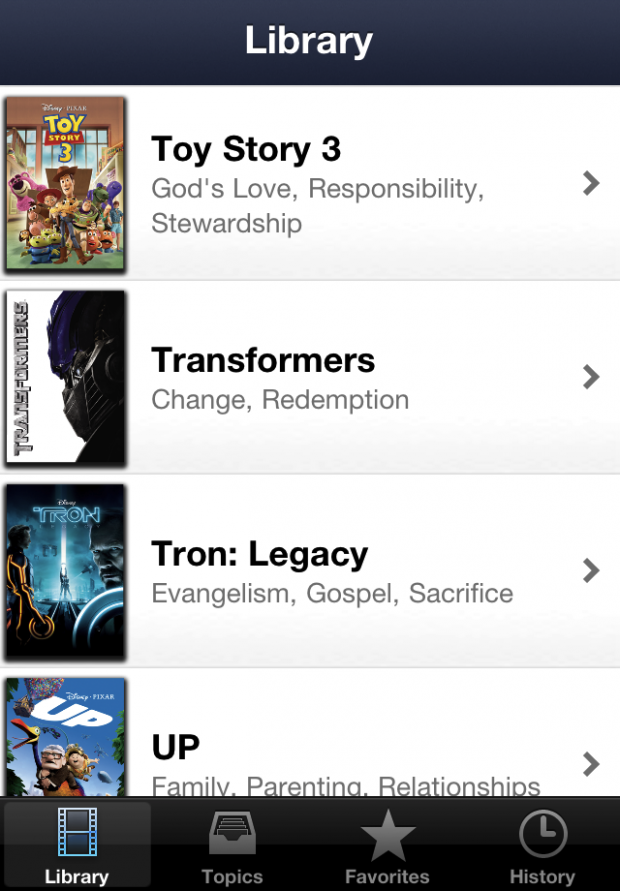
Clips will help you find scenes from great films that will help your audience engage with the Bible. This is a must have app for pastors, small group leaders, and youth ministers.
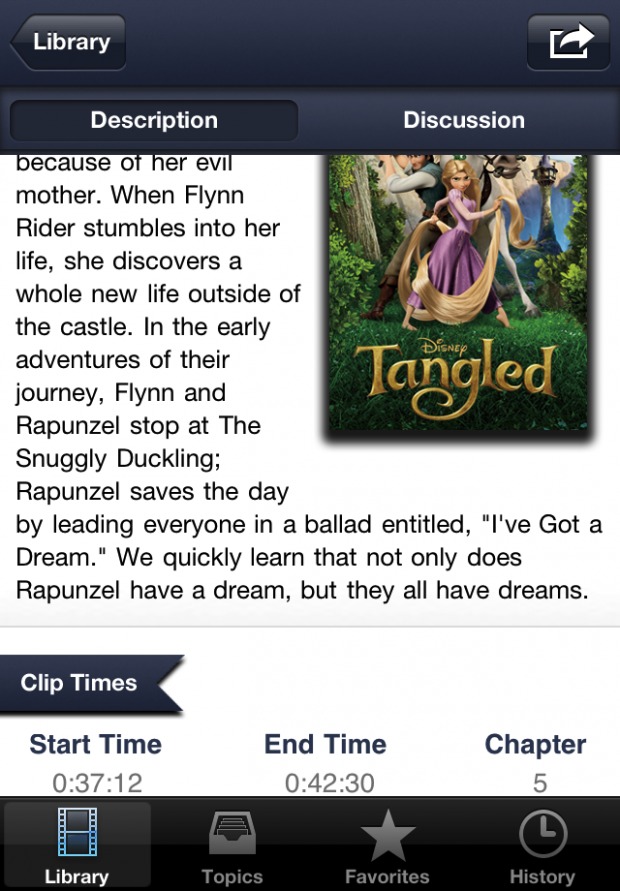
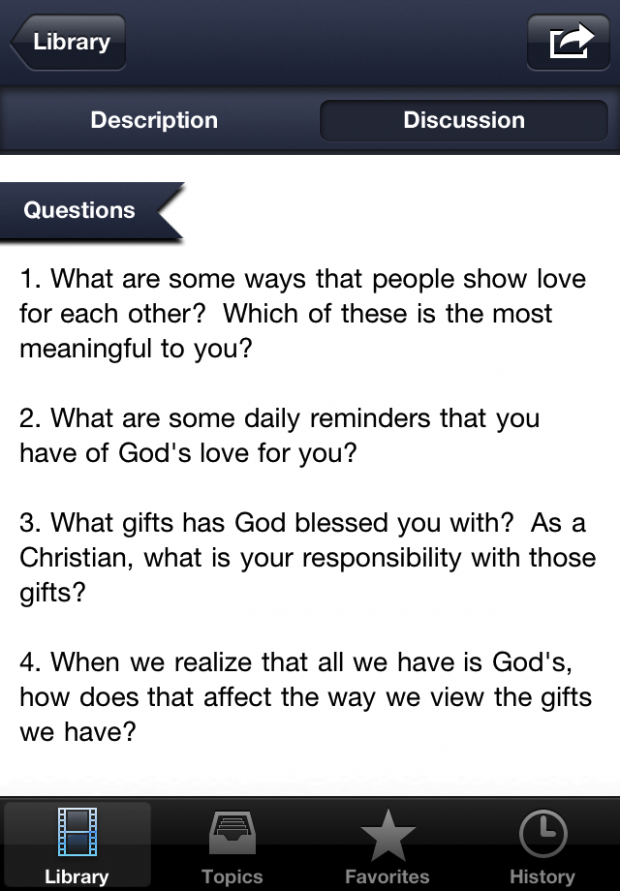
Clips tells you exactly what scenes to use, what topics to teach, the verses you could use, and even some possible discussion questions.
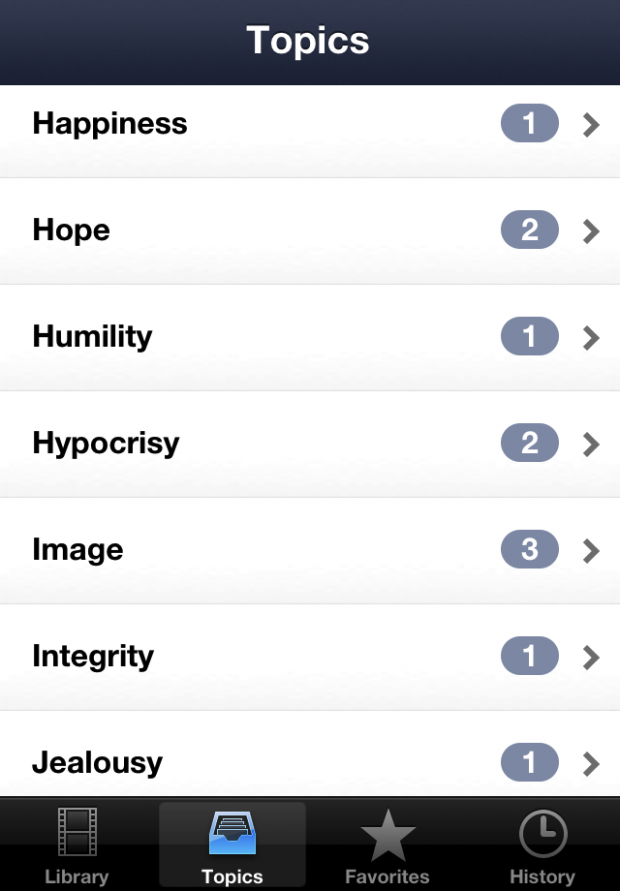
You can browse the movie library, look up topics you’d like to teach, or even search for a scene based on a particular verse. Once you find the movie you want to use, Clips makes it easy for you to have exactly what you need to lead a discussion.
Features Include:
- Library of 50 movies (and growing…)
- Over 80 topics
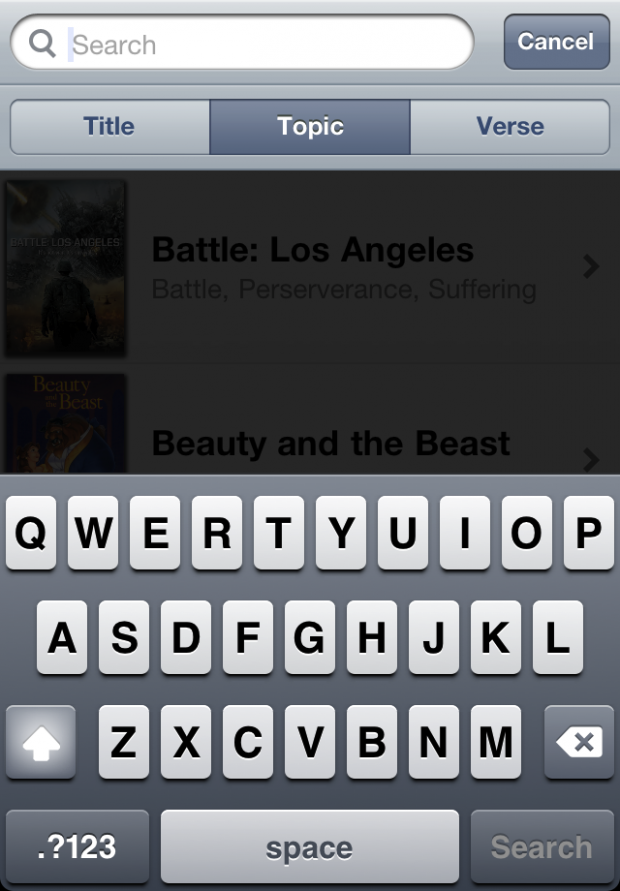
- Search by title, topic, or verse
- Share scene details via email
- Save your favorite clips and add used clips to history
- Easily find movies in iTunes through download links
Requested Feature Coming Soon:
- “Suggest a Clip” to recommend movie scenes to add
Screenshots
Clips wasn’t built with the idea that there’s a market for this type of product. Develper RJ Grunewald, a full-time middle school minister at Faith Lutheran Church in Troy, Michigan, said:
I wanted the app for myself and my small group leaders; so I made it.
Beautiful.
Learn more about Clips on the Clips website, or spend $2.99 at the Apple App Store for one of the most relevant Bible teaching apps you’ll probably ever find.

Eric Dye
Support Lead at Valet, and Proprietor of DYECASTING. Human by day, gamer at night, lover of coffee, and all things spicy.







I’m a youth pastor, and our students love seeing clips from movies mid-sermon. This app will totally making preaching easier. No more YouTube vids or scrounging for a lame illustration. Thanks guys!
You win!!
I don’t think I’d use it, but I know a few pastors who would so I spread the word.
I think this would be a huge help. We’re just getting our high school/college ministry going and this would be great to help teach with. I actually beta tested this app and would love to win a real copy!
You win!!!
Id use it for what it says, teaching the bible using clips from movies. My youth pastor did this growing up and I know for me, at least, I can’t help but remember the point he used a clip for every time I see it when I watch that movie.
I have eagerly been waiting for this app. Yippie!
I would love to use this in my 4th and 5th grade Sunday youth group class to help appeal to kids who are so enraptured with TV and movies. Also, this would provide amazing discussion points for the older high school and young adult ministries.
I missed the chance to be a beta tester, so I appreciate the opportunity to win this app—it’s a great idea that looks to be brilliantly presented.
You win!!!!
Awesome! Thank you so much. I really am grateful to have won this. It’s gonna rock. Woot!
You rocked before 😉
I’m sure I would find 100’s of uses. But, firstly, in blog posts and social media video posts that share God’s message and what is happening in my mission.
I’d use it for student ministry when I’m teaching. I’d probably play stuff through an Apple TV as long as the app is compatible with it.
My church is just now getting into using more media and graphics in our worship services. We have a new lead pastor who is excited about incorporating more technology and I would love to have this app to be able to suggest clips for our services!
Sounds like a great app! Can’t wait to try it!
I work with the youth ministry at my church and I also lead a girls small group. I would use this within both groups.
What a great app! I end up searching multiple different sites looking for different clips and ideas for when I teach. I’ll definitely use this app when I’m looking for extra content to engage!
This would be great for church youth group events
I’m a junior high/high school leader myself, and it’s a bit difficult for me to come up with good illustrations for my students, so Clips would definitely help me get a jump start in this area! Thanks for the opportunity, guys!
You win!!!!!
This is awesome! This would be great for me to use in my young adult Sunday school class as well as for my pastor to utilize through me in the AV booth for his sermons in adding illustrations.
I’ll use it to teach and I’ll be spreading the word about this app!
You win!
Very cool tool for those teaching. I’ll need to share this with a few teachers and pastors I work with.
I would love to use this for youth group meetings and our website for promotional materials and helping to communicate what happened over the weekend that people may have missed. Sounds like a great idea!
I’m pumped that you guys are all excited about the app.
Thanks Eric for posting this; the 8bit community has been a huge help in me getting this app off the ground. Thanks for all the blog and twitter love from you guys today.
I’m a huge believer in trying to show that the message of the Gispel reverberates through all the word; even in the screenplays that Hollywood produces. I often have conversations with my kids or our youth group about the biblical (or anti-biblical) worldview presented on the big screen. So I’d love to win this app to help further those discussions.
This would be a great app to have in my role as a worship/creative arts pastor for easy access to movie clip ideas during many different planning meetings. To have easy access always available would be wonderful. This, combined with other iPhone apps like Planning Center and the rumored CCLI app, would also make it easy to have a planning meeting/discussion in any location or situation.
Thanks!
I’m a pastor and would love this resource to help with sermon illustrations!
Movies are quoted constantly around our ministry. This generation loves movies! I know this will be a great tool when you’re looking for that one illustration to drive home a point or to get a discussion rolling you can go to this app and find that right movie clip. Plus, the older I get I see the teaching points from new and old movies…this will be a great way to share and add those ideas.
This looks like a great app. I carry a Thunderbolt but also have an iTouch I can put this app on. Definitely worth grabbing!
As the Media ministry team leader, I am frequently called upon to help find relevant media for sermons and lessons. This would be a great tool to do that.
That looks like an amazing app. I can see it being huge in student ministries. I know my youth pastor would use it. I have a lot of respect for app designers. I can imagine a lot going into that. Coming up with an creative idea that is possible to make, easy to use and productive for the user. Also making it appealing for the buyer. Great idea for an app. Looks like it will work well. He really did a great job from what it looks like in the designing process. I can’t wait to check it out first hand.
Great idea! I spend lots of time scouring the web for good clips to use in my ministry, in preaching, small groups, seminars and even 1-on-1. This would save me a lot of time. 🙂
Who won?
You! 😀