
There’s more to church live-streaming than which encoder you use and what transition you take between shots. Sometimes, you have to make decisions that are “no-brainers” on the surface, but turn out to be much more complex in practice.
Here’s an example.
A lot of churches use YouTube for church live-streaming. It’s got a lot of advantages. There’s a huge audience there and best of all, it’s free.
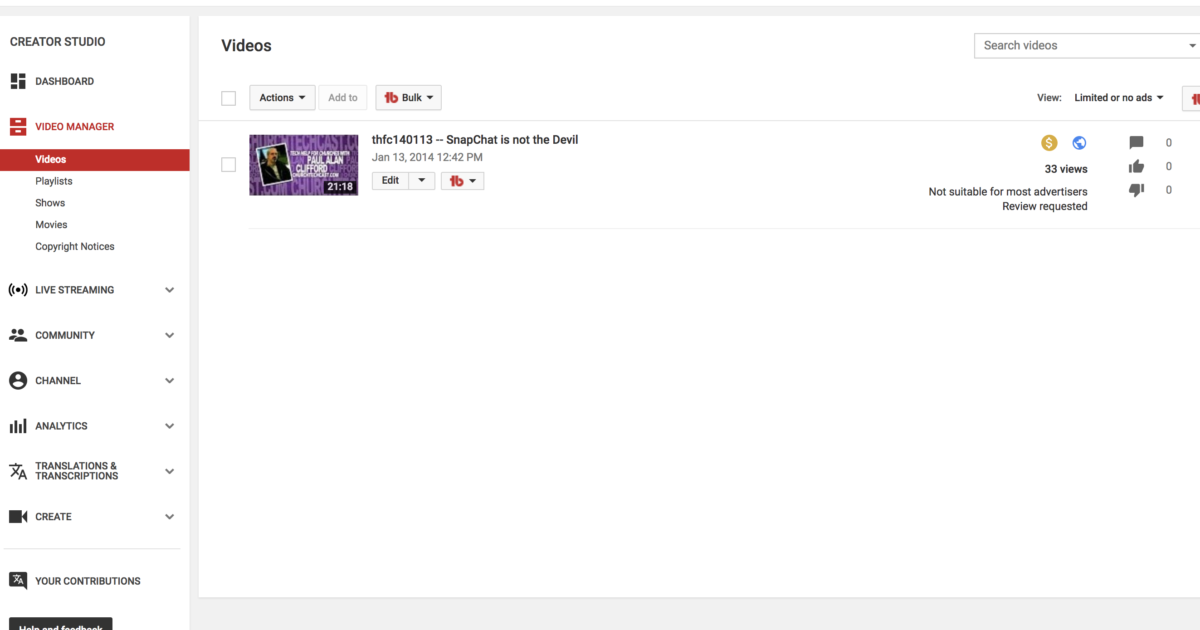
So, for church live-streaming, it seems like the answer to all your problems, but there’s something that happened recently that may prove it’s not.
[Read more…] about YouTube’s ‘Adpocalypse’ Is Bad for Church Live-Streaming